How to Improve Your Google Business Profile in 2026
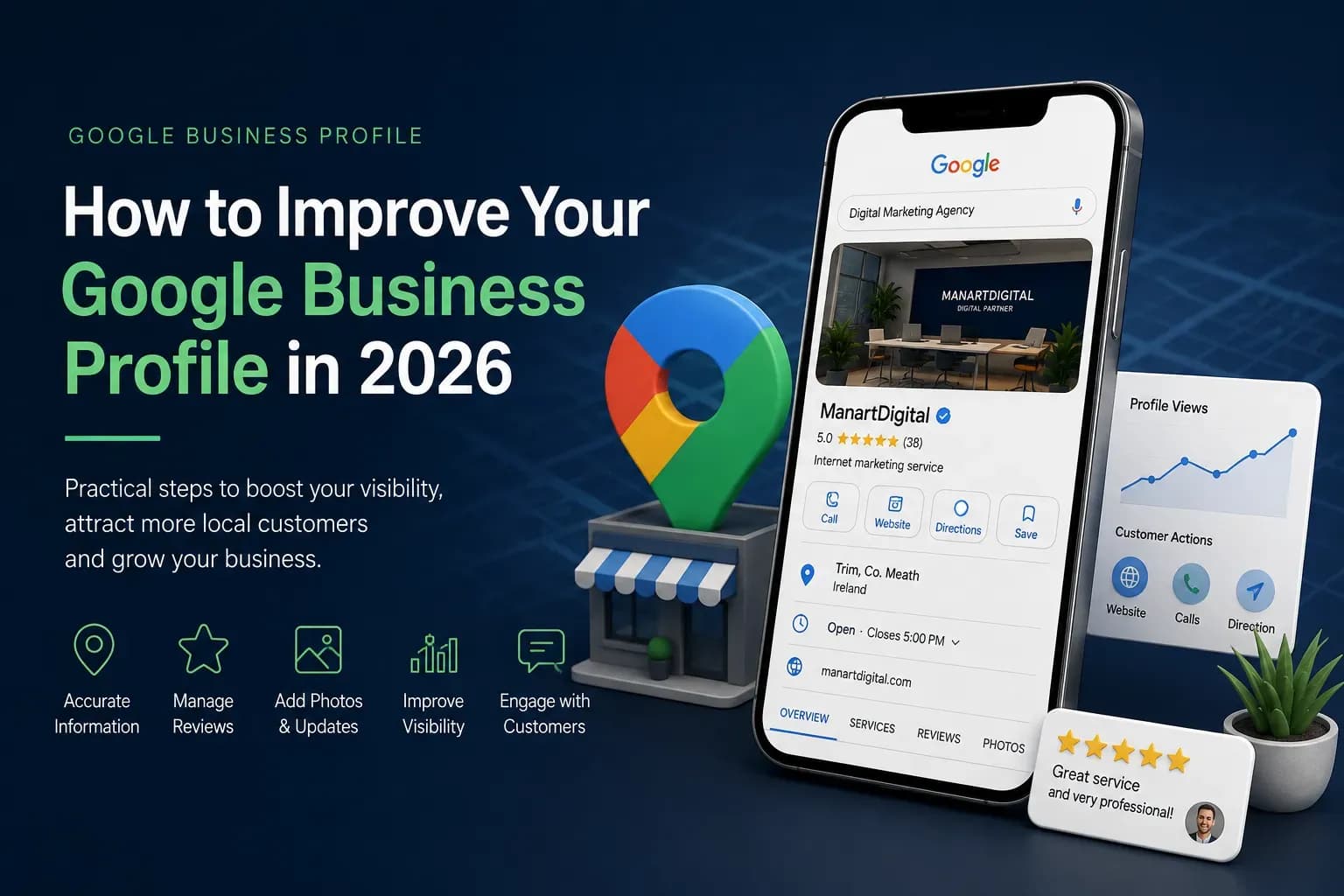
When someone searches for a local business, your website may not be the first thing they see.
Your Google Business Profile can appear prominently across Google Search and Google Maps, giving potential customers immediate access to information about your business.
That makes it an important part of your local digital presence.
But simply having a profile is not enough.
An incomplete, outdated or poorly maintained Google Business Profile can mean missed visibility, fewer enquiries and lost opportunities.
Here is how businesses can improve their Google Business Profile in 2026.
Why Your Google Business Profile Matters
Google Business Profile helps eligible businesses manage how they appear across Google Search and Maps.
Depending on the search and business, potential customers may be able to see:
- Your business name
- Location or service area
- Phone number
- Website
- Opening hours
- Reviews
- Photos
- Services
- Business information
- Directions
This can happen before someone ever visits your website.
Your Google Business Profile is often one of the first digital interactions a potential customer has with your business.
That first impression matters.
1. Make Sure Your Business Information Is Accurate
Start with the fundamentals.
Your profile should accurately represent your business.
Review your:
- Business name
- Primary category
- Additional categories
- Address or service area
- Phone number
- Website
- Opening hours
- Special hours
- Business description
Incorrect information creates friction for customers and can undermine trust.
If your opening hours change, update them.
If your phone number changes, update it.
If your services evolve, make sure your profile reflects them.
Accuracy should always come before optimisation.
2. Choose the Right Business Category
Your primary category is an important part of your Google Business Profile.
Choose the category that most accurately describes the core activity of your business.
You may also be able to add relevant secondary categories where appropriate.
Do not select categories simply because you want to appear for more searches.
Relevance is more important than quantity.
Your categories should accurately reflect the services customers can genuinely obtain from your business.
3. Complete Your Services
If Google allows services to be added to your profile, use them.
Your services help potential customers understand what you actually provide.
For example, a digital business might include relevant services such as:
- Web design
- Search engine optimisation
- Local SEO
- Website optimisation
- Digital strategy
- Marketing automation
Use clear descriptions where available.
Avoid unnecessary keyword repetition.
Write for the customer first.
Someone viewing your profile should quickly understand whether your business can solve their problem.
4. Write a Clear Business Description
Your business description should explain what you do, who you help and what makes your approach relevant.
Avoid filling it with promotional language or repeating the same keywords.
A strong description should be:
- Clear
- Accurate
- Concise
- Relevant
- Easy to understand
Potential customers should not have to interpret industry jargon to understand your business.
Clarity builds confidence.
5. Add High-Quality Photos
Photos can significantly improve the quality and credibility of your profile.
Depending on your type of business, useful images could include:
- Your premises
- Your team
- Your work
- Completed projects
- Products
- Office environment
- Branding
- Relevant business activity
Avoid relying entirely on generic stock imagery.
Where possible, use genuine images that represent your business.
People want to see the business behind the listing.
Keep your imagery current rather than uploading everything once and forgetting about it.
6. Build a Consistent Review Strategy
Reviews are an important part of how potential customers evaluate local businesses.
A business with genuine, recent customer feedback can create significantly more confidence than one with little or outdated feedback.
The best approach is straightforward:
Ask genuine customers for honest reviews.
Do not attempt to manipulate ratings or generate artificial reviews.
Instead, make requesting feedback part of your normal customer process.
For example:
Project completed → Follow-up → Request feedback
Consistency is more sustainable than suddenly trying to generate a large number of reviews at once.
7. Respond to Your Reviews
Collecting reviews is only part of the process.
Respond to them.
A professional response demonstrates that the business is active and values customer feedback.
This applies to positive and negative reviews.
For positive reviews:
Thank the customer and keep the response genuine.
For negative reviews:
Remain professional.
Avoid emotional or argumentative responses.
A measured response can sometimes tell prospective customers more about your business than the original complaint.
Remember:
Your response is not only for the reviewer. Future customers may read it too.
8. Keep Your Opening Hours Current
This sounds simple, but it is easy to overlook.
Incorrect opening hours create a poor customer experience.
Pay particular attention to:
- Bank holidays
- Christmas periods
- Temporary closures
- Seasonal hours
- Changes to normal operating times
If Google provides the option to specify special hours, use it when necessary.
Small details influence trust.
9. Link Your Profile to the Right Website Page
Your website link should send customers to the most appropriate destination.
For many businesses, this will be the homepage.
In other situations, a relevant location or service page may provide a better experience.
The important thing is that the destination matches what the customer expects.
Once they reach your website, make the next step obvious.
That might be:
- Make an enquiry
- Request a quote
- Book a consultation
- Call the business
- Complete an assessment
- View a relevant service
Google Business Profile creates visibility. Your website needs to convert that visibility into action.
10. Make Your Website Support Your Local SEO
Your Google Business Profile should not operate in isolation.
It should be supported by a strong website.
Your website should clearly communicate:
- What your business does
- Where you operate
- Which services you provide
- How customers can contact you
- Why they should choose your business
Location relevance should be natural.
Avoid forcing town or county names into every paragraph simply for SEO.
Write useful content for real customers while making your geographic relevance clear.
For a broader strategy, read:
How to Build a Local SEO Strategy That Actually Works in 2026
11. Create Useful Local Content
Your Google Business Profile is one part of local SEO.
Your website content can significantly expand the number of searches for which your business has an opportunity to appear.
Create useful resources around genuine customer questions.
For example:
- How much does a professional website cost?
- How can a local business improve Google visibility?
- What is local SEO?
- How can businesses improve website conversions?
- How does Google Business Profile work?
- What should businesses prioritise in SEO in 2026?
You can also create genuinely useful location-specific content where appropriate.
The objective is not to publish for the sake of publishing.
Create content that helps potential customers make better decisions.
12. Use Google Search Console to Find Opportunities
Your Google Business Profile gives you information about your local presence, while Google Search Console can help you understand how your website performs in organic search.
Search Console can reveal:
- Search queries
- Impressions
- Clicks
- Click-through rates
- Pages receiving search visibility
Look particularly at searches generating impressions but relatively few clicks.
These queries can reveal opportunities for:
- New articles
- Better page titles
- Improved content
- New service information
- Stronger internal linking
Your customers are already telling Google what they are looking for. Use that information.
13. Do Not Treat Your Profile as a One-Time Setup
One of the biggest mistakes businesses make is setting up a Google Business Profile and never reviewing it again.
Businesses change.
Services change.
Opening hours change.
Photos become outdated.
New reviews arrive.
Competitors improve.
Your profile should reflect the business as it exists today.
Local visibility requires ongoing management, not one-time setup.
Google Business Profile and Your Website Should Work Together
It is useful to think about your local digital presence as a connected system.
Google Search → Google Business Profile → Website → Enquiry
Each stage has a different purpose.
Your Google Business Profile creates visibility and trust.
Your website provides greater depth and demonstrates your expertise.
Your conversion process turns that interest into an enquiry.
If one part is weak, potential customers can be lost.
Common Google Business Profile Mistakes
Even established businesses can overlook basic optimisation.
Common problems include:
- Incorrect business information
- Wrong or overly broad categories
- Missing services
- Outdated opening hours
- Very few recent photos
- Reviews being ignored
- Inconsistent information between Google and the website
- Sending visitors to an outdated website
- Setting up the profile and never reviewing it
Most of these problems are relatively straightforward to correct.
The challenge is maintaining the profile consistently.
What to Do Next
If you already have a Google Business Profile, do not immediately start changing everything.
First, review what you currently have.
Check these five areas:
-
Accuracy
Is all your core business information correct?
-
Completeness
Have you completed the relevant sections available for your business?
-
Reputation
Are you consistently receiving and responding to genuine customer reviews?
-
Website Experience
Does the website linked from your profile provide a clear and professional next step?
-
Ongoing Management
Is someone responsible for keeping the profile accurate and current?
These five areas provide a strong starting point for improving your local digital presence.
Final Perspective
Improving your Google Business Profile is not about finding a secret ranking trick.
It is about presenting Google and potential customers with an accurate, useful and trustworthy representation of your business.
Combine that with:
- Strong local SEO
- Useful website content
- Genuine customer reviews
- Clear services
- Good website performance
- Consistent business information
- Ongoing optimisation
and your business has a much stronger foundation for local visibility.
Being found is the first step.
The next challenge is turning that visibility into business.
Is Your Business Getting Enough Visibility From Google?
Your Google Business Profile may only be one part of the problem.
Your website, SEO, content, user experience and conversion journey all influence how effectively your digital presence generates enquiries.
A Digital Assessment can help identify:
- Local SEO opportunities
- Website visibility issues
- Conversion problems
- Website performance weaknesses
- Areas where potential leads may be lost
- What should be prioritised next
Understand where your digital presence can perform better.
Get Your Digital Assessment
Frequently Asked Questions
What is a Google Business Profile?
Google Business Profile is a free tool from Google that allows eligible businesses to manage how their business information appears across Google Search and Google Maps.
Is Google Business Profile important for local SEO?
It can be an important component of local search visibility, particularly for eligible businesses targeting customers within specific geographic areas. It should be combined with a strong website, accurate business information, useful content and a broader local SEO strategy.
How often should I update my Google Business Profile?
There is no fixed schedule. Update your profile whenever important business information changes and review it periodically to ensure details, services, opening hours and imagery remain accurate.
Do Google reviews help businesses?
Genuine customer reviews can help prospective customers evaluate a business and build confidence. Businesses should focus on consistently requesting honest feedback rather than attempting to manipulate ratings.
Should I respond to Google reviews?
Yes. Professional responses demonstrate that your business is active and values customer feedback. Responses to negative reviews should remain measured, factual and professional.
Should I add photos to my Google Business Profile?
Where relevant, yes. Current, high-quality photos can help potential customers understand your business and create a more complete profile.
Can Google Business Profile replace a website?
For most businesses, it should not. A Google Business Profile can provide important information and visibility, but your website gives you significantly greater control over your services, content, brand, conversion journey and customer experience.
What is the difference between Google Business Profile and local SEO?
Google Business Profile is one component of local SEO. Local SEO is broader and can include your website, content, business information, reviews, links, location relevance, technical optimisation and other signals.
How can I tell if my local SEO is working?
Look beyond rankings alone. Review organic impressions, clicks, website traffic, Google Business Profile interactions, enquiries and ultimately the quality of leads generated.
Is Google Business Profile optimisation a one-time job?
No. Your business and competitive environment change over time. Maintaining accurate information, responding to reviews and keeping the profile current should be an ongoing process.